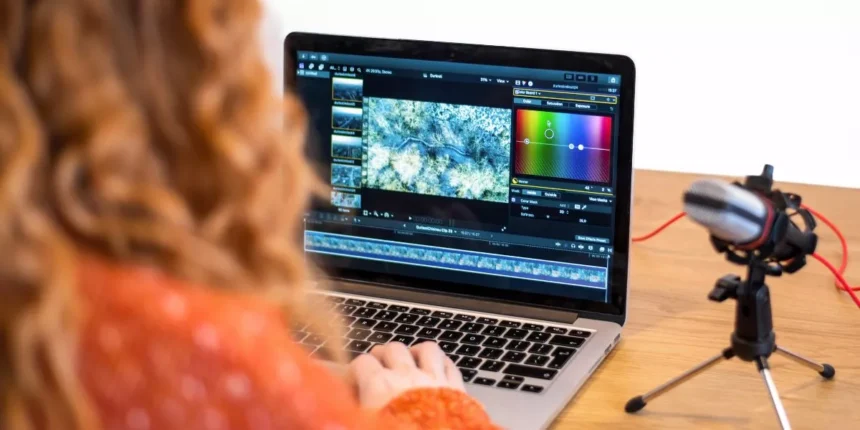
For creators seeking the best balance of power and price, this list compares five laptops under ₹90,000 that handle editing workflows without excessive compromise. Each pick prioritizes multi‑core CPUs, GPU acceleration, ample RAM and NVMe storage, and displays suited to grading — with tradeoffs noted where they matter. The selections aim to show which models give the most editing headroom and where compromises might alter a buyer’s workflow.
- Apple MacBook Air 13-inch (M4, 16GB, 256GB) – Midnight
- ASUS TUF Gaming A15 Laptop (Ryzen 7 7435HS, RTX 3050 4GB, 16GB RAM, 512GB SSD, 15.6″ FHD 144Hz, Windows 11)
- Dell G15 5530 Gaming Laptop (Intel i5-13450HX, RTX 3050 6GB, 16GB RAM, 1TB SSD, 15.6″ FHD, Windows 11)
- HP Victus 15.6-inch Gaming Laptop (Intel i7-12650H, RTX 3050, 16GB RAM, 1TB SSD)
- Lenovo IdeaPad Slim 3 14th Gen Intel Core i5 Laptop (24GB RAM, 1TB SSD, 15.3″ WUXGA, Windows 11)
- Factors to Consider When Choosing 5 Laptops for Video Editing Under ₹90,000
- CPU Performance and Cores
- GPU Acceleration Support
- RAM Capacity and Speed
- Storage Type and Expandability
- Display Quality and Colour
- Cooling and Sustained Performance
- Conclusion
Apple MacBook Air 13-inch (M4, 16GB, 256GB) – Midnight
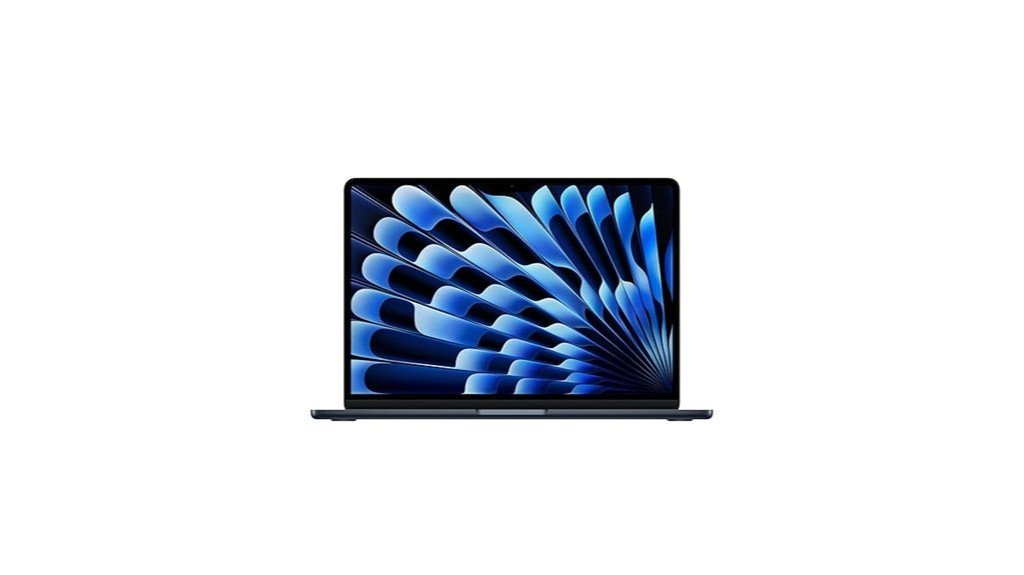
The Apple 2025 MacBook Air 13-inch (M4, 16GB, 256GB) — Midnight is best suited for mobile video editors who prioritize lightweight portability and long battery life without sacrificing solid real‑world editing performance; its M4 chip, 16GB unified memory and 13.6″ Liquid Retina display deliver responsive multitasking and accurate colour on the go. This 1.24 kg laptop offers a 10-core CPU, 8-core GPU, 256GB SSD, 12MP Center Stage camera, four‑speaker Spatial Audio, and up to 18 hours battery life. Connectivity includes two Thunderbolt 4, MagSafe and Wi‑Fi 6E. Users praise speed, silence and build; Midnight attracts fingerprints.
Best For: Mobile video editors and creative professionals who need a lightweight, long‑battery laptop that delivers fast, quiet real‑world editing performance and accurate colour on the go.
Pros:
- Powerful M4 chip with 16GB unified memory provides responsive multitasking and solid video‑editing performance in a highly portable 1.24 kg design.
- 13.6″ Liquid Retina display (2560 x 1664, 1 billion colours) and Spatial Audio with four speakers offer great visual and audio quality for content creation and review.
- Excellent battery life (up to 18 hours), fast connectivity (Thunderbolt 4, MagSafe, Wi‑Fi 6E), and a premium, quiet build.
Cons:
- 256GB SSD may be limiting for large video projects without external storage or cloud workflow.
- Midnight finish attracts fingerprints and may require frequent cleaning to maintain appearance.
- Limited port selection (two Thunderbolt 4 and MagSafe) and support for only up to two external displays may constrain some advanced workstation setups.
ASUS TUF Gaming A15 Laptop (Ryzen 7 7435HS, RTX 3050 4GB, 16GB RAM, 512GB SSD, 15.6″ FHD 144Hz, Windows 11)
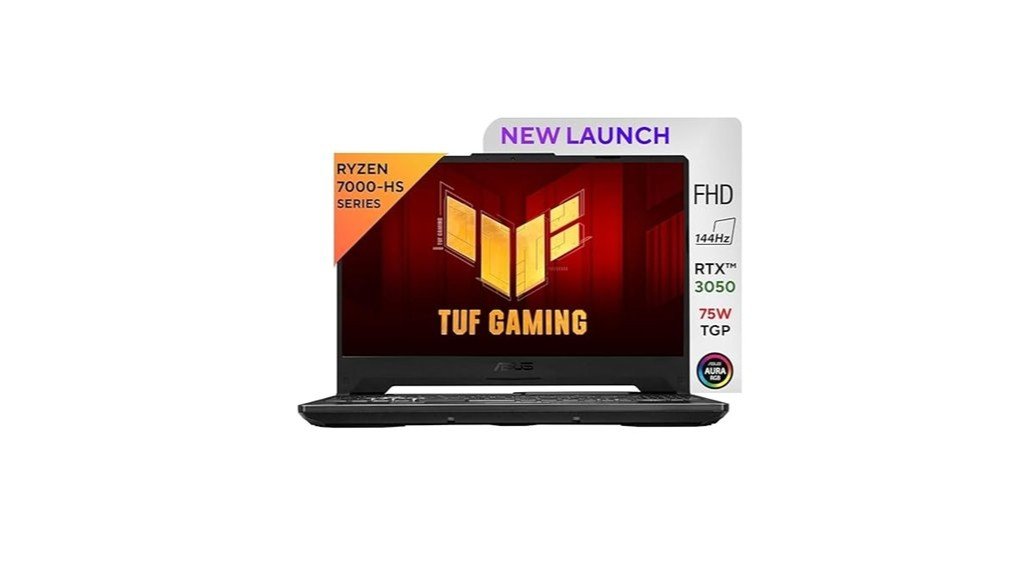
A solid choice for budget-conscious video editors who need real-time playback and decent GPU acceleration, the ASUS TUF Gaming A15 pairs an 8-core Ryzen 7 7435HS with an RTX 3050 (4GB) and 16GB DDR5 to handle timeline scrubbing, multicam playback, and light effects without frequent frame drops. Its 15.6″ FHD 144Hz panel aids smooth previewing; a 512GB PCIe 4.0 SSD speeds project loads. Thermal performance is acceptable under load but can run hot; battery life is short, so plugged use is advised for long sessions. Noted issues include intermittent Wi‑Fi/Bluetooth, occasional touchpad glitches, and minor display anomalies.
Best For: Budget-conscious gamers and content creators who need solid real-time video editing and gaming performance in a portable 15.6″ laptop, provided they plan to work plugged in for longer sessions.
Pros:
- Strong CPU+GPU combo (Ryzen 7 7435HS + RTX 3050) with 16GB DDR5 and PCIe 4.0 SSD for smooth timeline scrubbing, multicam playback, and faster project loads.
- 15.6″ FHD 144Hz display and 1-zone RGB keyboard deliver responsive previews and good value for gaming and editing.
- Expandable RAM (up to 32GB) and robust cooling design for sustained performance under load.
Cons:
- Short battery life (commonly ~1.5–3 hours under real-world use) makes it impractical for long unplugged editing sessions.
- Reports of intermittent Wi‑Fi/Bluetooth instability and occasional touchpad issues.
- Can run hot during intense workloads and GPU is limited to 4GB VRAM, which constrains heavier GPU-accelerated effects.
Dell G15 5530 Gaming Laptop (Intel i5-13450HX, RTX 3050 6GB, 16GB RAM, 1TB SSD, 15.6″ FHD, Windows 11)
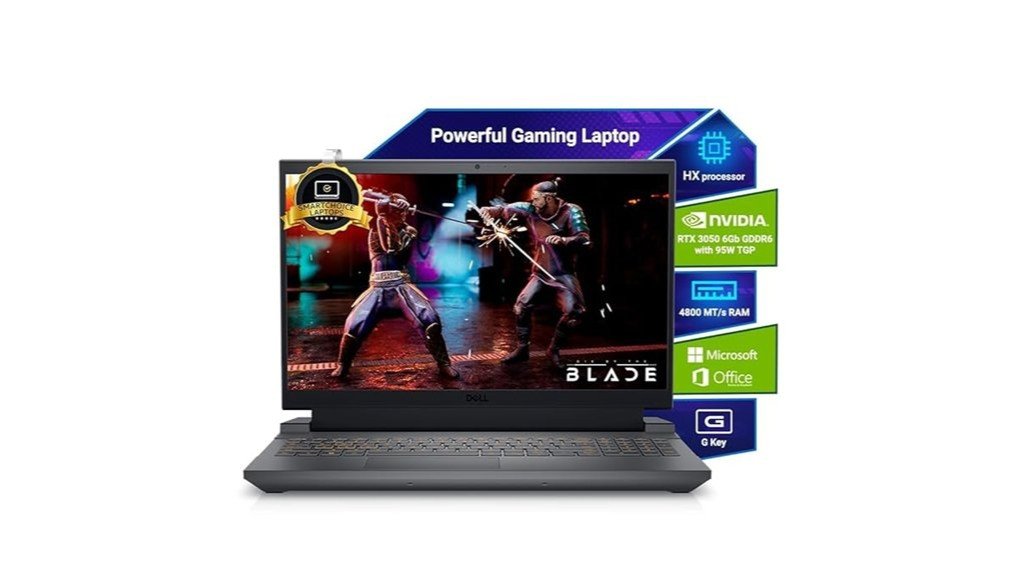
Targeted at budget-conscious content creators who need solid real-time playback and export speeds, the Dell G15 5530 pairs a 13th‑gen Intel i5 HX CPU with an RTX 3050 GPU and 16 GB DDR5 to deliver responsive timeline scrubbing and faster renders for 1080p projects. The 15.6″ FHD 120Hz panel and 1 TB NVMe SSD support smooth editing workflows and fast asset access. Thermals can run hot under sustained loads and battery life is modest, especially during gaming or heavy exports. Ports include HDMI 2.1, USB‑C with DisplayPort and multiple USB 3.2 ports. Windows 11 and bundled MS Office add out‑of‑box readiness.
Best For: Budget-conscious content creators and gamers who need strong 1080p real-time playback, responsive timeline scrubbing, and faster export speeds in a portable 15.6″ laptop.
Pros:
- Solid performance for 1080p video editing and gaming thanks to the 13th‑gen i5‑13450HX and RTX 3050 with 16 GB DDR5 and 1 TB NVMe SSD.
- 15.6″ FHD 120Hz display and fast storage enable smooth timeline scrubbing and quick asset loads.
- Good port selection (HDMI 2.1, USB‑C with DisplayPort, multiple USB 3.2 ports, Ethernet) and Windows 11 + MS Office preinstalled for out‑of‑box productivity.
Cons:
- Thermals can run hot under sustained loads, leading to high surface temperatures and occasional performance throttling.
- Battery life is modest (manufacturer ~7 hours general use; heavy gaming/exports drain much faster), limiting long unplugged sessions.
- Some users report build issues (hinge defects), occasional freezing, and variable after‑sales support experiences.
HP Victus 15.6-inch Gaming Laptop (Intel i7-12650H, RTX 3050, 16GB RAM, 1TB SSD)
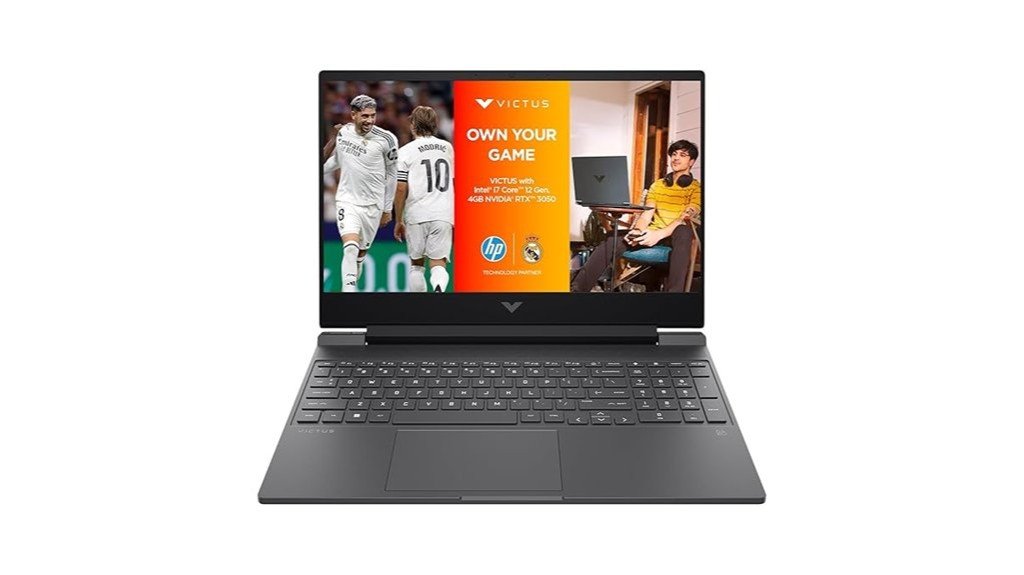
Offering a balanced mix of multi‑core CPU power and an entry‑level RTX GPU, the HP Victus 15.6-inch suits video editors who need fast timeline scrubbing and smooth 1080p render previews without a workstation price. The 12th Gen i7-12650H (10 cores/16 threads) and RTX 3050 with 4 GB GDDR6 handle multicore encoding and GPU-accelerated effects reliably. A 144 Hz FHD IPS panel aids responsive playback; 16 GB DDR4 and 1 TB PCIe Gen4 NVMe SSD provide usable working capacity, though RAM is not upgradeable beyond 16 GB. Battery life, fast-charge and Wi‑Fi 6E add portability; ports include USB‑C and HDMI 2.1.
Best For: Video editors and content creators who need a budget-friendly laptop that delivers strong multi-core CPU performance and entry-level GPU acceleration for smooth 1080p timeline playback and faster exports.
Pros:
- 12th Gen Intel Core i7-12650H (10 cores/16 threads) and RTX 3050 (4 GB) provide solid multicore encoding and GPU-accelerated effects for responsive editing workflows.
- 144 Hz FHD IPS display, 1 TB PCIe Gen4 NVMe SSD, and Wi‑Fi 6E give fast responsiveness, ample working storage, and reliable portability.
- 70 Wh battery with fast-charge (50% in ~30 min) and a good port selection (USB‑C, USB‑A, HDMI 2.1, Ethernet) for on-the-go productivity.
Cons:
- RAM is limited to 16 GB (soldered/maximum), which can bottleneck heavy multitasking or large-resolution video projects.
- RTX 3050 is an entry-level GPU with only 4 GB VRAM, limiting performance on GPU-heavy effects and high-resolution (4K) workflows.
- Laptop weight (~2.3–2.37 kg) and thermal performance under extended heavy loads may reduce portability and sustained peak speeds.
Lenovo IdeaPad Slim 3 14th Gen Intel Core i5 Laptop (24GB RAM, 1TB SSD, 15.3″ WUXGA, Windows 11)
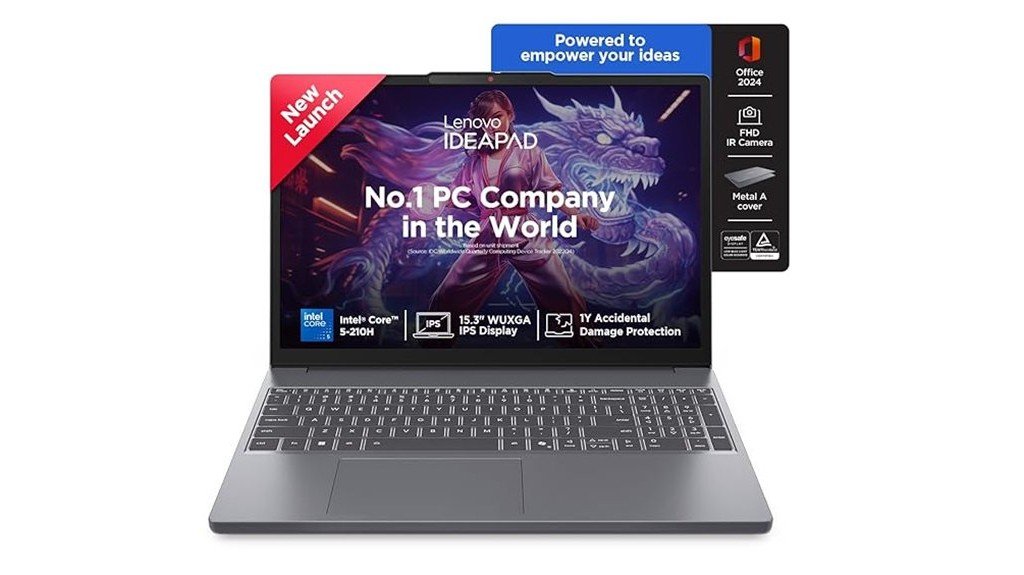
Designed for budget-conscious creators who need solid multi‑tasking and fast storage, the Lenovo IdeaPad Slim 3 pairs a 14th Gen Intel Core i5 (8‑core, 12‑thread) and 24 GB DDR5 memory with a 1 TB PCIe 4.0 NVMe SSD to handle timeline scrubbing, multitasking, and quick media transfers. Its 15.3″ WUXGA IPS display (1920×1200, 300 nits) offers a taller canvas and narrow bezels for editing accuracy. Weighing 1.59 kg with an aluminium top, it includes a backlit keyboard, Dolby‑tuned stereo speakers, Wi‑Fi 6, three USB ports and HDMI. Battery life is around ten hours; some users reported connectivity and battery inconsistencies.
Best For: Budget-conscious creators and students who need strong multitasking and fast local storage in a lightweight 15.3″ laptop for photo/video editing, content work, and general productivity.
Pros:
- Powerful 14th Gen Intel Core i5 (8 cores/12 threads) + 24 GB DDR5-4800 RAM for smooth multitasking and timeline scrubbing.
- Fast 1 TB PCIe 4.0 NVMe SSD and a 15.3″ WUXGA (1920×1200) IPS display with narrow bezels for more vertical workspace and quick file transfers.
- Lightweight (1.59 kg) aluminium-top build, backlit keyboard, Dolby-tuned stereo speakers, Wi‑Fi 6 and multiple USB/HDMI ports for everyday portability and connectivity.
Cons:
- Integrated graphics limit demanding 3D/gaming and GPU-accelerated workflows.
- Reports of Wi‑Fi instability, faster-than-expected battery drain and occasional playback/cursor issues from some users.
- 50 Wh battery yields around 10 hours in mixed use but may be shorter under heavy workloads; warranty/support experience appears mixed.
Factors to Consider When Choosing 5 Laptops for Video Editing Under ₹90,000
Choosing five laptops for video editing under ₹90,000 requires careful assessment of processor performance and core count to handle rendering and multitasking. Equally important are GPU acceleration support, sufficient and fast RAM, and SSD speed plus upgrade options for smooth playback and storage growth. A colour-accurate, high-resolution display completes the checklist for reliable editing and grading.
CPU Performance and Cores
Prioritize multi‑core processors with strong single‑core boost clocks when evaluating laptops for video editing under ₹90,000: many editing applications scale across 6–12 cores (12–24 threads) for faster exports and smoother timeline scrubbing, while UI responsiveness and certain effects still rely on high per‑core speeds (3.5–5.0+ GHz). Preference should be given to CPUs offering larger L3 caches and support for higher memory bandwidth (DDR4/DDR5) to reduce bottlenecks when handling large frames and multitrack timelines. Review the processor’s supported PCIe version and lane count—PCIe 4.0 enables faster NVMe throughput, improving media reads and preview performance. Finally, assess power and thermal limits: CPUs with higher sustained power headroom deliver more consistent encoding and export performance in prolonged sessions.
GPU Acceleration Support
After assessing CPU core counts, clocks, and memory bandwidth, attention should turn to GPU acceleration support, since many timeline renders, effects, and exports are offloaded to the GPU and can shorten export times by 2×–10× depending on codec and software optimization. Buyers should verify which APIs the chosen NLE uses (CUDA/OptiX, OpenCL, Metal, DirectML) and confirm driver/GPU compatibility to ensure hardware acceleration for encoding, decoding, and realtime effects. Check for hardware codec support (NVENC/NVDEC, VCN/AMF, Quick Sync, VideoToolbox) required by target delivery formats. Consider VRAM and bandwidth: 4–6 GB suffices for 1080p and light 4K work, while 8+ GB and faster memory improve performance for multi‑layer 4K and heavy grading. Finally, consult editor vendor lists and keep drivers/NLE updated for reliable acceleration.
RAM Capacity and Speed
Because system memory directly feeds both CPU and GPU during timeline playback, RAM capacity and speed are among the most consequential choices for video editing under ₹90,000. Editors should target a minimum of 16 GB, with 32 GB recommended for 4K timelines, heavy grading, or multitasking. DDR4 or DDR5 modules with higher clocks (for example DDR4‑3200 or DDR5‑4800+) reduce stutter, speed timeline scrubbing, and improve preview responsiveness by increasing data throughput. Dual‑channel configurations (two matched SO‑DIMMs) are preferable because they effectively double memory bandwidth versus a single stick. Systems that allow future expansion—spare SO‑DIMM slots or a soldered+slot mix—enable upgrades to 32 GB or 64 GB. When possible, verify CAS latency and timing; lower latency at a given frequency yields marginally better real‑world responsiveness.
Storage Type and Expandability
For video editing under ₹90,000, storage speed and expandability directly influence project workflow: NVMe PCIe SSDs (Gen3 or Gen4) offer the sequential throughput needed for smooth scrubbing and fast exports, while sufficient capacity and spare bays determine how long a laptop remains practical as projects grow. Prefer NVMe over SATA; Gen4 is advantageous where supported. Specify at least 512 GB internal SSD, with 1 TB+ recommended for raw footage and caches. Confirm an extra M.2 slot or 2.5″ bay to separate OS/apps from media and scratch space. Check controller capability and thermal design to avoid sustained-write throttling during long renders. Ensure user-accessible panels or screws and motherboard compatibility with larger NVMe modules (2–4 TB) without firmware limits to simplify future upgrades.
Display Quality and Colour
How should a display balance colour accuracy, brightness and resolution for reliable editing results? A suitable panel is 14–16 inches IPS or OLED with 250–300+ nits and 100% sRGB (or ≥72% NTSC) to ensure accurate hues and usable visibility. Prefer 10‑bit (or 8‑bit+FRC) depth or wide‑gamut support to reduce banding during grading. Resolution should be ≥1920×1080 (WUXGA/2560×1600 preferred) to provide adequate timeline and preview real estate; higher pixel density improves detail at the cost of battery. Factory calibration or hardware calibration support (colorimeter, ICC profiles) is important for consistent results across machines. Matte or low‑reflectivity finishes and wide viewing angles (≥178°) minimise glare and preserve colour fidelity when collaborating or working in varied lighting.
Cooling and Sustained Performance
When pushing timelines and exports for extended periods, a laptop’s cooling design and sustained‑power capability determine real editing throughput rather than short‑lived turbo numbers. Creators should prioritise efficient cooling (dual fans, heat pipes, or vapor chambers) because prolonged CPU/GPU loads can induce thermal throttling that reduces sustained performance by 20–40%. Evaluate sustained‑boost benchmarks or long‑run thermal tests (30–60 minute render loops) instead of peak clocks. Check sustained power limits (PL1/PL2 or long‑term TDP) and aim for higher sustained wattage—roughly 45W+ for CPUs and 60W+ for mobile GPUs—for faster exports and smoother scrubbing. Prefer chassis with larger intake/exhaust areas and fan‑speed headroom to maintain clocks during multi‑hour jobs. Finally, value thermal management controls (performance profiles, fan curves, BIOS/OS power limits) to balance quieter cooling or maximum sustained performance as needed.
Conclusion
These five laptops demonstrate that capable video-editing performance is attainable under ₹90,000 by balancing CPU cores, GPU acceleration, RAM capacity, and NVMe storage. Each model offers strengths—long battery life and efficiency in the MacBook Air, gaming-class CPUs and discrete GPUs in the ASUS, Dell, and HP, and cost-conscious expandability in the Lenovo—while accepting trade-offs like modest VRAM, smaller SSDs, or thermal limits. Buyers should prioritize CPU/GPU balance, upgradability, and display quality for the best editing experience.