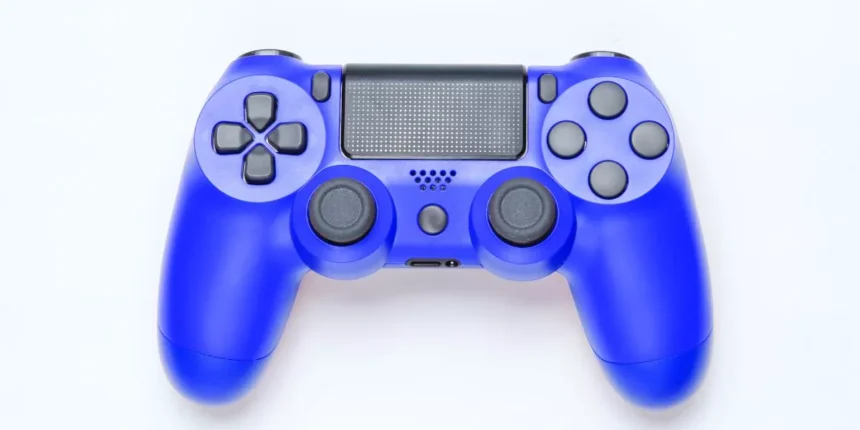
You want a controller that feels like an extension of your hands, not one that fights you during tense moments. Match your platform, playstyle, and setup first, then focus on low latency, solid build, and the few features that actually affect performance. I’ll walk you through the choices and trade-offs so you can pick the right pad for how you play, but let’s start by narrowing what matters most to you.
How to Match a Controller to Your Platform and Setup
Before you buy, figure out what system and setup you’ll actually use—PC, PlayStation, Xbox, or a mobile device each have different compatibility and feature sets. Decide whether you want wired or wireless, since latency-sensitive PC esports and consoles might favor wired for reliability, while living-room play benefits from wireless freedom.
Check official licensing and driver support: some controllers plug-and-play, others need adapters or third-party drivers. Consider form factor relative to your hand size and playstyle—compact controllers suit portable or mobile setups, full-size works for long sessions.
If you use multiple platforms, look for native cross-platform support or easy switching. Finally, confirm charging options and mountability for phones or steering wheels so the controller fits your actual physical setup.
Key Features That Actually Improve Gameplay
Good controls make the difference between frustration and flow, so focus on features that measurably improve responsiveness, comfort, and control.
You’ll want low-latency wireless or wired options to avoid input lag, and high-quality analog sticks with minimal dead zone for precise aiming and movement.
Responsive, well-spaced face buttons and triggers with decent travel make actions feel reliable.
Haptic feedback and adaptive triggers can enhance immersion when they’re implemented thoughtfully, but don’t buy them just for marketing—test intensity and consistency.
Ergonomics matter: grips, weight, and button placement should reduce fatigue for your typical session length.
Programmable paddles or remappable buttons help if you need quicker access without awkward hand shifts.
Robust build quality prevents drift and keeps performance consistent.
Best Controllers by Play Style and Genre
Often you’ll find that the best controller depends on how you play and what you play—fighters and racing fans need very different tools than FPS or platformer players.
If you love fighting games, pick a responsive arcade stick or a pad with excellent face-button layout and low input lag; tactile feedback and precise diagonals matter.
For racers, a wheel and pedal set gives the truest experience, but a controller with analog triggers and textured grips works well for casual play.
FPS players benefit from controllers with swappable sticks, hair-trigger locks, and comfortable grips to improve aim and reduce fatigue.
Platformer and indie fans will want a light, responsive pad with reliable d-pad and jump-friendly face buttons for tight, repeatable inputs.
Budget Picks and When to Upgrade
Playing style and genre guide your ideal controller, but budget and timing shape what you actually buy. If you’re on a tight budget, prioritize comfort, reliable buttons, and a decent d-pad or sticks—cheap wired pads from reputable brands often deliver that without extra features. Look for sturdy triggers and minimal input lag; avoid flashy extras that raise price but add little to gameplay.
Upgrade when your current pad limits performance: sticky buttons, drifting sticks, poor ergonomics, or missing features for your games (like gyro or rear paddles) matter. Also consider platform shifts or competitive play—if you want consistency and customization, invest in a midrange or pro controller. Smart upgrades focus on playability, not prestige.
Conclusion
Pick the controller that fits your platform, playstyle, and comfort first — wired for lowest latency on PC/competitive console play, wireless for living-room or mobile, and genre-specific features (swappable sticks and hair-trigger locks for FPS, analog triggers or wheels for racers, precise d-pads for platformers). Prioritize build quality, low-latency input, and customization over flashy extras. Upgrade when drift, sticky buttons, or poor ergonomics hurt your performance — that’s when a new controller really pays off.